MyBirthday
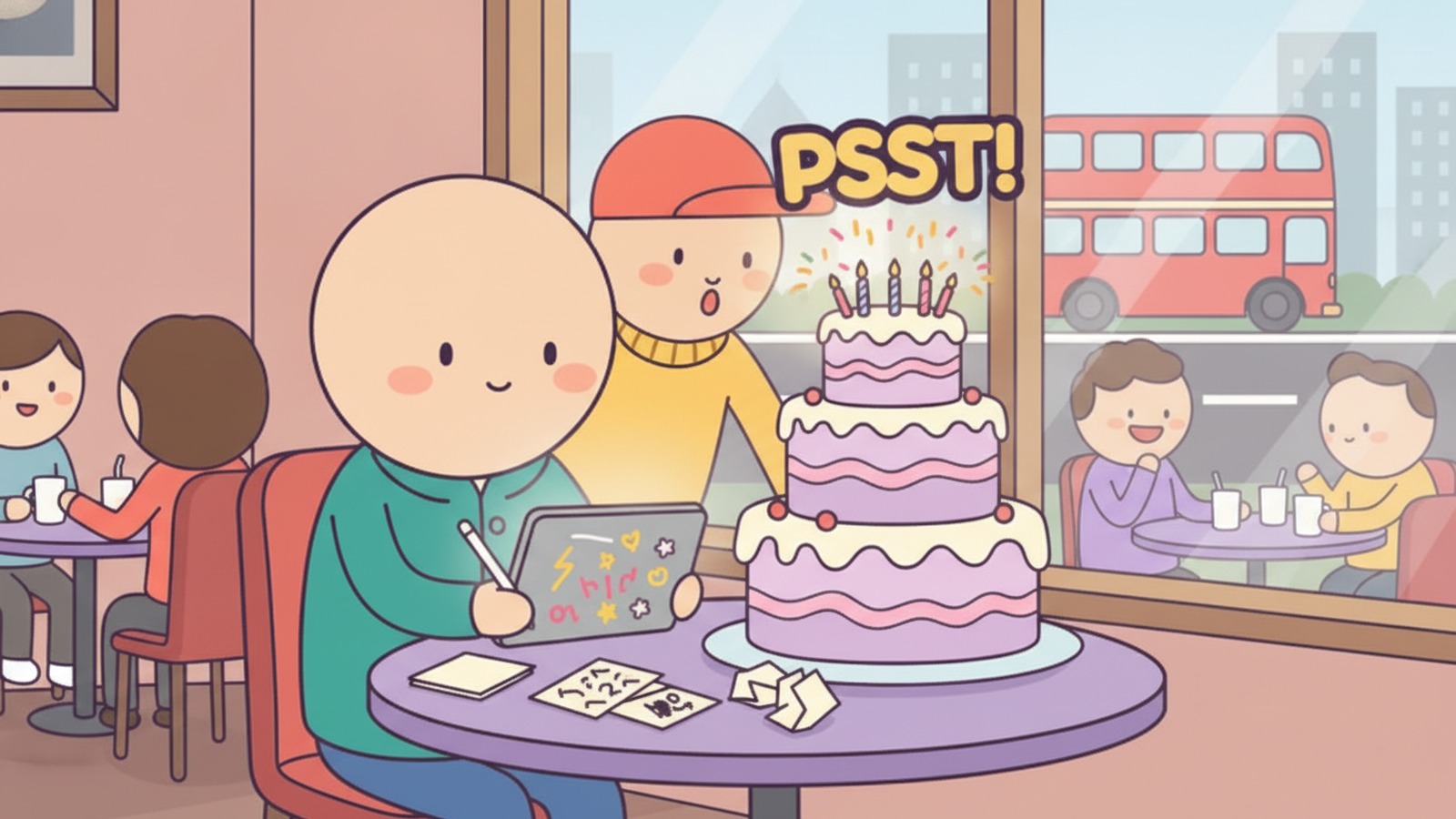
A digital birthday card is a greeting made on screen and sent by link, email or text instead of in an envelope. The best one to send depends on who opens it: a plain e-card is fine for a coworker, while a card with a small game and the person's name in it is what makes a kid or a close friend actually stay and play. Here is how the main options compare, and where I would put my own money.
- 📊 Four kinds, plain e-card, video card, DIY Canva page, or a card with a game.
- 🎯 Match the person, coworkers get polish, kids and close friends get something playable.
- ⚡ Speed matters, Canva takes about 30 minutes, template sites take a few.
- ✅ Honest verdict, pick by recipient, and send another tool's card when it fits better.
What counts as a digital birthday card?
A digital birthday card (also called an e-card) is a birthday greeting delivered as a link, an email or a text message, usually with a design, a message and sometimes animation or video. It replaces the paper card and the stamp, and the recipient can reopen it later.
The category is wider than it looks. According to Paperless Post's birthday page, its cards can be sent by email, text or shareable link, scheduled in advance, and tracked for opens. Evite's gallery lists 98 birthday cards that can be filtered by type, including animated ones, and sent by text or email.
Is an animated card the same thing as an interactive one?
No. An animated card plays a short motion loop (confetti, a cake, a flipping envelope) and the recipient just watches. An interactive card asks the recipient to do something: tap a seal to open it, answer a question, play a mini-game. If you want the first kind in depth, our guide to the animated birthday card covers which styles to send and which to skip.
What do the big e-card sites actually give you?
Punchbowl, Paperless Post, Hallmark and Evite are the four template libraries that rank first on Google for this keyword, and all of them sell the same thing: a designed card you personalise with a message and send in a minute. They differ in extras, not in the basic experience.
Here is what each site says about itself on its own page, read in November 2026. Features and free tiers change, so check the site on the day you send.
| Option | Best for | What its page promises | Catch |
|---|---|---|---|
| Punchbowl | Cards by relationship (coworker, sister, husband) | Edit message, fonts, stamp and envelope liner; add a video message or a digital gift card | Branded characters dominate the gallery |
| Paperless Post | Polished cards with delivery control | 499 birthday results; send by email, text or link; schedule; track opens | Text delivery is for US phone numbers only |
| Hallmark eCards | Familiar brand, quick pick | Free eCards via Crown Rewards (one a month); Hallmark+ for unlimited; video eCards | Free access sits behind a loyalty account |
| Evite | Cards with a gift attached | 98 birthday cards; text or email; eGift card attachment | Many designs are marked Premium |
| Canva (DIY) | A one-off page you design yourself | Free editor, 3M+ free stock photos and graphics, publish as a website | You do the design work |
Source: punchbowl.com, paperlesspost.com, hallmark.com, evite.com, canva.com · Updated 11/2026
Which one should you pick for a coworker or a boss?
For a coworker, Paperless Post or Punchbowl is enough: choose a clean design, add a message that does not try too hard, and schedule it so it lands in the morning. If you are stuck on wording, our coworker birthday wishes are written to avoid the awkward zone.
Template sites are built for politeness, not surprise. That is exactly why they are a poor fit for someone who would rather be delighted than greeted.
Can you build an interactive birthday card yourself in Canva?
Yes, and it is the cheapest way to get a card that does something. Canva lets you link buttons and images to other pages, then publish the result as a website, so the recipient gets a link that behaves like a tiny app. Four YouTube tutorials show how far that goes.
Epifania Marketing builds an invitation on an Instagram Story canvas where a wax stamp, grouped with a "click to open" label, links to page 2. Her publishing advice is to share the design as a website with the "Scrolling" style, then paste the link into WhatsApp. Repixo's tutorial builds a surprise site with a "click to open" button and a quiz-style page asking "Are you ready for a little surprise?", with a Yes button and an "Of course" button but, as a joke, no "No" button. The glitterdazed channel recreates an animated envelope across three linked pages, and YelyDesingner stacks GIF backgrounds, three timed sections and a music track.
How long does a Canva birthday page really take?
Repixo says it "took you maybe 30 minutes", and that is the honest range for someone who has used Canva before. Two details save you from mistakes: turn off the navigation menu in the website settings before publishing, and test the link on a phone, because most people will open it there.
I would not pretend this is a game. It is a clickable story, and that is a different thing from something the person can win or lose.
When does a card with a game beat a plain e-card?
A card with a game beats a plain e-card when the recipient has patience for play and you want the card to feel made for them: a kid, a grandchild, a friend who loves a challenge. A mini-game with their name on it gives them a reason to stay, and a reason to show it to someone else.
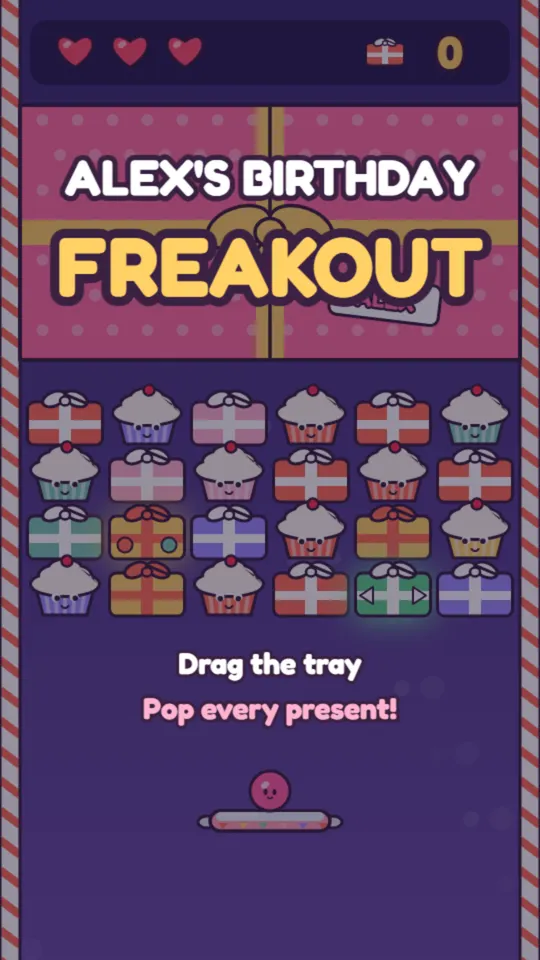
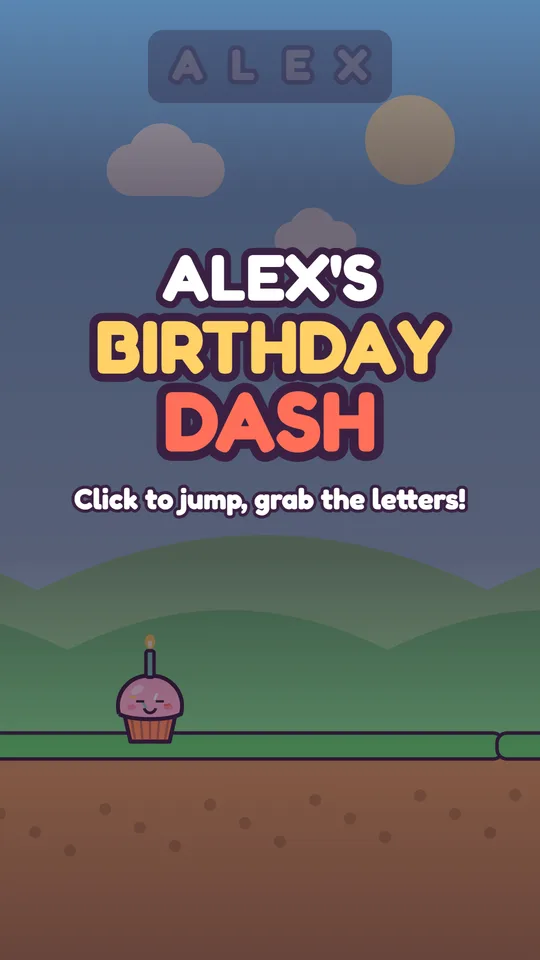
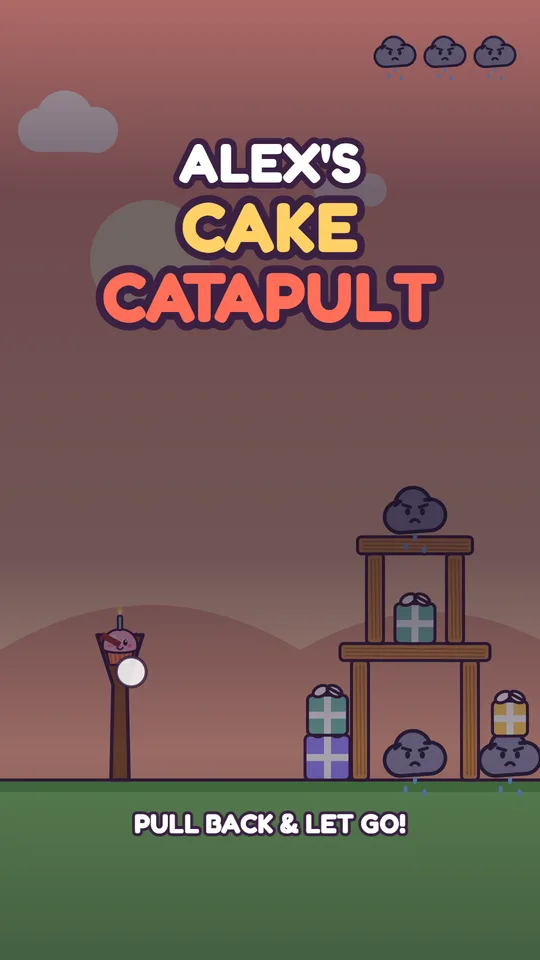
MyBirthdayCards works this way: you give a first name and a few words about the person, the card draws itself, opens with an animation, and can hold a mini-game built around that name. It is sent as a link, so it travels by text or WhatsApp like any other. If you want to try one, you can make an interactive birthday card with a mini-game and see how it feels before deciding.
What does the recipient feel that a template card does not give?
Mostly ownership. A template card says "someone picked a nice design". A card that spells out a nine-year-old's name inside a game says "someone made this for me". For a kid, the difference is the whole point.
When is another tool the better pick?
Sometimes, and I would say so plainly. If you need a group to sign one card for a colleague, Thankeeu is built around that, and its Keeu Chase game is the one name that kept surfacing in ChatGPT answers we checked on 2026-11-12. If your idea is a photo memory game made from real pictures, PressStartPost is the closer match. Other names in the same search results include American Greetings' interactive ecards, MinigameWish, Sending Games, Occasion Games and GameGifts, but we have not tested each one, so open their sites and judge the card they actually produce.
For a quick personal touch without a game, a personalized birthday video can land harder than any card.
Which digital birthday card should you send?
Send a template e-card from Punchbowl, Paperless Post, Hallmark or Evite when the relationship is polite and the clock is short. Send a card with a game and a name inside when the person is a child, a close friend or anyone who enjoys being surprised. Use Canva when you want full control and have 30 minutes.
What would I send in practice?
My rule is simple: the closer the person, the less the card should look like a catalogue. For a boss, I would send a plain scheduled card. For a niece or grandson, I would send a game card with their name in it, then write the message separately using what to write in a birthday card as a starting point. For a friend turning 30, pair a card with one of the 30th birthday ideas.
Whatever you pick, add one real sentence of your own. A game gets them to open the card, but the sentence is what they remember. Market trackers such as Statista publish category data on greeting cards, but no chart will tell you what to write to your own sister.
FAQ
What is the best digital birthday card?
There is no single best one. Paperless Post and Punchbowl suit polished, polite cards, Hallmark suits a familiar free pick, and a card with a game and the person's name suits kids and close friends. Choose by who is opening it.
Is a digital birthday card free?
Some are. Hallmark's page says Crown Rewards members get one free eCard each month, and Canva offers a free editor. Many template designs on sites like Evite are marked Premium, so check the label before you finish customising.
How do you send a digital birthday card by text?
Most sites give you a link or a text option. Paperless Post and Evite both offer text delivery, and Paperless Post notes that SMS is for US phone numbers only. For anything else, copy the card's link into WhatsApp or iMessage.
Can you make a birthday card that plays like a game?
Yes. Canva can fake a quiz with linked pages, and dedicated game-card tools build a real mini-game around a name. The difference is that a linked page tells a story, while a game lets the person win or lose.
Is a digital birthday card as good as a paper one?
For speed, reach and reopening later, yes. For a keepsake on a shelf, no. Many people send the digital card on the day and a paper one when they can.
Sources
- Birthday eCards | Send Free Digital Birthday Cards Online — punchbowl.com
- Birthday Cards | Free Digital Ecards, Track Opens — paperlesspost.com
- Free Online Birthday Card Maker | Canva — canva.com
- Hallmark eCards | Send a Free Digital Greeting | Hallmark — hallmark.com
- Online Birthday Cards | Send a Birthday Greeting Card — evite.com
- How to Create an ANIMATED Interactive Virtual Invitation in Canva! FREE and 100% Online — Epifania Marketing
- How to make a very EASY ANIMATED INVITATION to send by WHATSAPP with CANVA + GIPHY + PINTEREST — YelyDesingner
- How to Make an Interactive Birthday Website in Canva, No Coding — Repixo
- Animated Valentine's Envelope Tutorial (interactive website) | Canva — glitterdazed