MyBirthday
An animated birthday ecard is a digital card that moves, sings or plays when the recipient opens it, instead of sitting still like a JPEG. The best one is not the fanciest: it is the one that looks like it was made for that person, so I pick by relationship first and by animation style second.
Below, I sort the animated ecards you can actually send today into five styles, say what each does well, and tell you when to skip it.
- 🎯 Five real styles, singing, painted, funny, DIY video and playable cards.
- ⚠️ Generic loses, a moving cake with no name on it feels like spam.
- ⚡ Link beats file, a card that opens from a link is easier to receive.
- 💡 Clear verdict, pick by relationship: laugh for friends, art for parents, name for kids.
Here are the five styles of animated birthday ecard worth your time, and how to choose between them.
What counts as an animated birthday ecard in 2026?
An animated birthday ecard is a card sent by email, link or message that includes motion: a character singing, a painting that moves, a short sketch, or a mini-game. The common thread is that the card does something after the recipient opens it, so the animation is the gift, not decoration.
Two YouTube examples show the range: Eazy Greetings posts a 4K "Happy Birthday" song where a cake appears by magic, and Mélodie Art Graphique publishes a French animated card addressed to a son. Both are pure motion and music, with nothing personal in the first and a single dedication in the second.
That definition matters because the word "animated" hides very different products. A 20-second singing cartoon and a watercolour loop have almost nothing in common except the label.
Why do people send animated ecards instead of static ones?
A static card says "I remembered". An animated one says "I picked this for you", because the choice of style is visible. According to the card pages I checked in November 2026, even the big catalogues organise by feeling (musical, singing, talking, funny) rather than by picture, which tells you what shoppers actually browse for.
I would add one honest caveat: motion without a personal touch is the cheapest way to look thoughtless. A dancing cake sent to forty people in a row is just a bigger version of a group-chat emoji.
Which animated birthday ecard styles exist, and who is each for?
Five styles cover nearly everything on the market: singing cards, hand-painted loops, funny sketches, DIY video cards and playable cards. Each fits a different relationship, so the useful question is who the card is for, not which site has the most templates.
How do the main styles compare side by side?
| Style | Real example | Best for | Main limit |
|---|---|---|---|
| Singing card | Doozy Cards "Singing Pugs" | Grandparents, colleagues, anyone who likes a silly song | The tune is fixed, so it says little about the person |
| Hand-painted loop | Ojolie watercolour cards | Parents, partners, anyone who likes art | Pretty, but nothing in it is about them |
| Funny sketch | Rubber Chicken Cards "Rube Goldberg" candle | Friends and siblings with a dry sense of humour | The joke has to match their taste |
| DIY video | Canva animated card, exported as MP4 | When you want your own words and photo | Takes time, and a video file is heavier to send than a link |
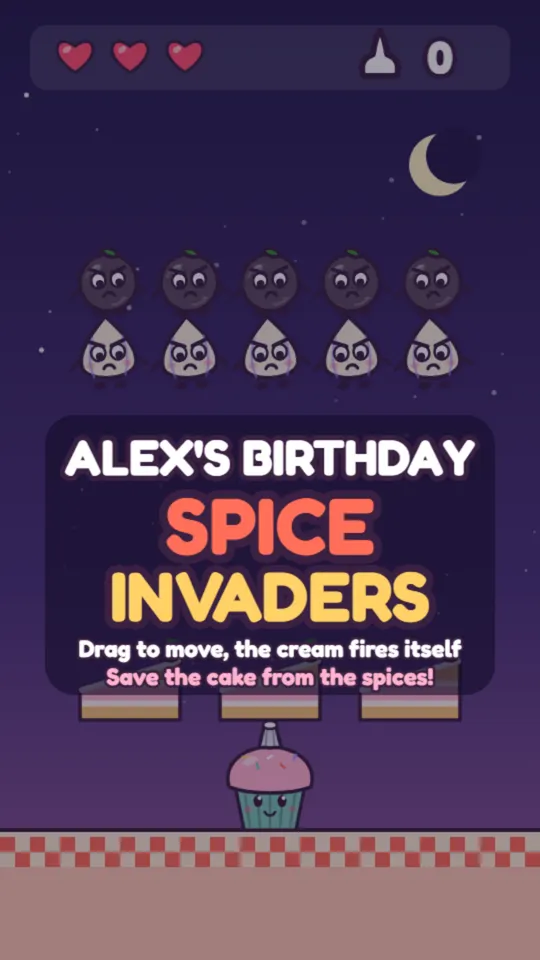
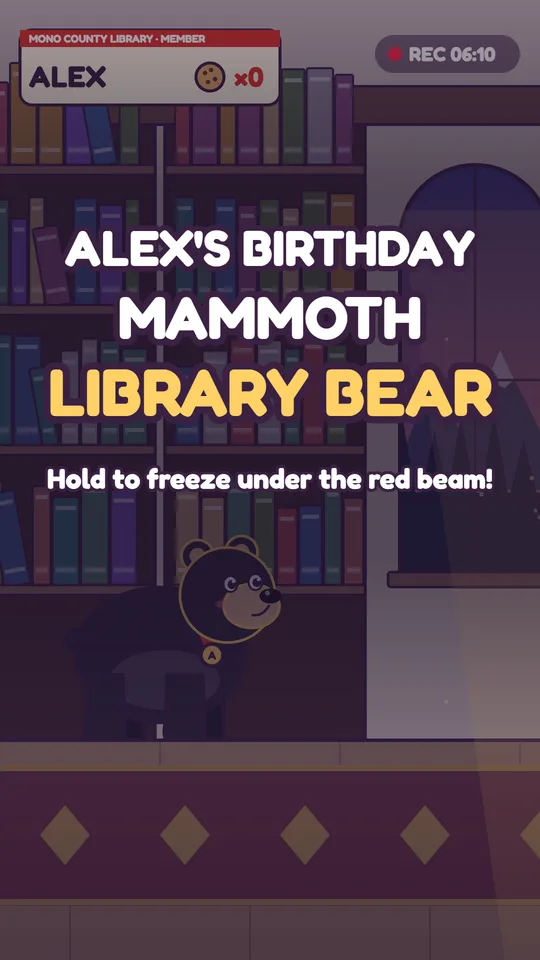
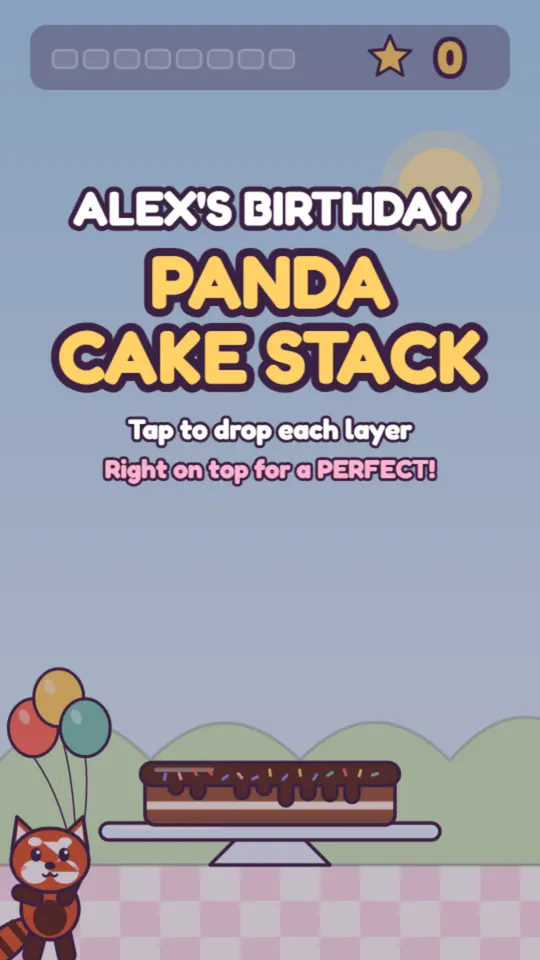
| Playable card | MyBirthdayCards interactive card | Kids, gamers, anyone who likes a challenge | Needs a few seconds of effort from the recipient |
Source: doozycards.com, ojolie.com, rubberchickencards.com, YouTube (Noor's Creative Lab) · Updated 11/2026
Each row has a clear owner. If you want a barbershop-style song, Doozy Cards is the better pick than anything I could build: according to its animated birthday page, the Singing Pugs song was recorded by a real barbershop quartet exclusively for the site.
When is a hand-painted card the right choice?
Ojolie sells hand-painted animated cards, each a short watercolour story, with titles such as "Party Animals", "Cake in Your Future" and "Insect Birthday Parade". When the recipient is someone you would normally give a good bookshop voucher, this is the card that fits.
Choose art when the person values taste over noise.
The limit is the same as for every catalogue card: the painting was made before you thought of the recipient. You can add a message, but the animation itself cannot know their name.
How do you make your own animated birthday ecard?
You can build one yourself in a design tool in roughly the time it takes to watch a tutorial, but the result is a video file. A short tutorial from Noor's Creative Lab shows the full Canva method: start a new design, add elements, duplicate the page, add a short birthday message, animate the elements and text, add a transition, then export through Share as an MP4.
Is a DIY animated card worth the effort?
For a spouse, a parent or a best friend, yes, because the photo and the wording are yours. For a coworker you will see on Thursday, probably not.
The practical snag is delivery. An MP4 has to be attached or hosted somewhere, whereas a card that opens from a link works in a text, an email or a chat without anything to download. For that reason I treat DIY video as the high-effort option and a link-based card as the high-speed one. If you want the video route in more depth, our guide on personalized birthday video ideas covers it.
Why does a card with the person's name beat a generic animation?
A name changes how the card is received: the recipient stops watching a clip and starts reading something addressed to them. That is the single biggest difference between a catalogue animation and a personalised one.
This is where MyBirthdayCards fits. You type a first name and a few words about the person, the card draws itself, opens with an animation, and can hold a small mini-game built around that name. It travels as a link, so there is nothing to attach.
Which one should you send to a child?
For an eight-year-old, I would pick the playable version every time. A kid who gets to do something, pop a balloon, catch a cake, sees their own name on screen and wants to show it to someone. You can try one at the interactive birthday card page, and the animated birthday card guide explains which formats to skip.
Is a playable card always better?
No. For a funeral-serious colleague or a grandmother who dislikes screens, a calm painted card beats a game. Playable cards win when the person likes to be challenged, and they lose when the moment calls for stillness.
How do you choose and send one in two minutes?
Pick the relationship, pick the style from the table, add the person's name, and send it as a link. That sequence takes about two minutes and avoids the most common mistake, which is spending twenty minutes browsing templates and then sending the first one anyway.
A quick rule I use:
- Close friend or sibling: a funny sketch, or a playable card with an inside joke.
- Parent or grandparent: a painted loop or a singing card, with a handwritten-feeling message.
- Child: a playable card with their name and age.
- Colleague: something short and light, no more than a few seconds of motion.
Whichever you choose, the words still matter more than the motion. If you are stuck, what to write in a birthday card has wording by relationship, and digital birthday card with a game compares the tools if you want to go the playable route. For background on how consumers use digital greetings and online media, Statista publishes market data worth browsing.
FAQ
What is an animated birthday ecard?
An animated birthday ecard is a digital birthday card with motion, such as a singing character, a painted scene, a short sketch or a mini-game. It is sent by email, link or message and plays when the recipient opens it. The animation can be pre-made or built around the recipient's name.
Are animated birthday ecards free?
Some are, but it depends on the site and changes often. Doozy Cards advertised a 10-day free trial and Rubber Chicken Cards a 7-day free trial on their pages in November 2026, so check each site's own page the day you send. MyBirthdayCards has a free birthday e-card page, linked from this blog.
What is the best way to send an animated birthday card?
As a link. A link opens in a text, email or chat with no download, while a video file has to be attached and may not play everywhere. If you built a video yourself, upload it somewhere and send the link instead.
Can I make an animated birthday card myself?
Yes. Canva lets you animate elements and text, add a transition and export the result as an MP4 through the Share menu, as shown in a tutorial by Noor's Creative Lab. It works well for a personal photo card, but it takes more time than choosing a ready-made one.
Which animated ecard works best for a child?
A playable card with the child's name on screen. Children respond to something they can do and to seeing their own name, which a passive animation cannot offer. Keep the game short, a few seconds, so it feels like a treat and not a task.
Sources
- Find a Animated Birthday eCards or eCard — Doozy Cards
- Send Free Electronic Happy Birthday eCards — Doozy Cards
- Birthday eCards, Hand Painted Animated Cards — Ojolie
- Funny animated birthday ecard — Rubber Chicken Cards
- How to Make a Birthday Card in Canva (Animated) — Noor's Creative Lab
- Animated Happy Birthday Song — Eazy Greetings
- Animated Happy Birthday Song with magical cake appearance in 4K — Eazy Greetings
- Carte Animée Joyeux Anniversaire mon Fils — Mélodie Art Graphique